
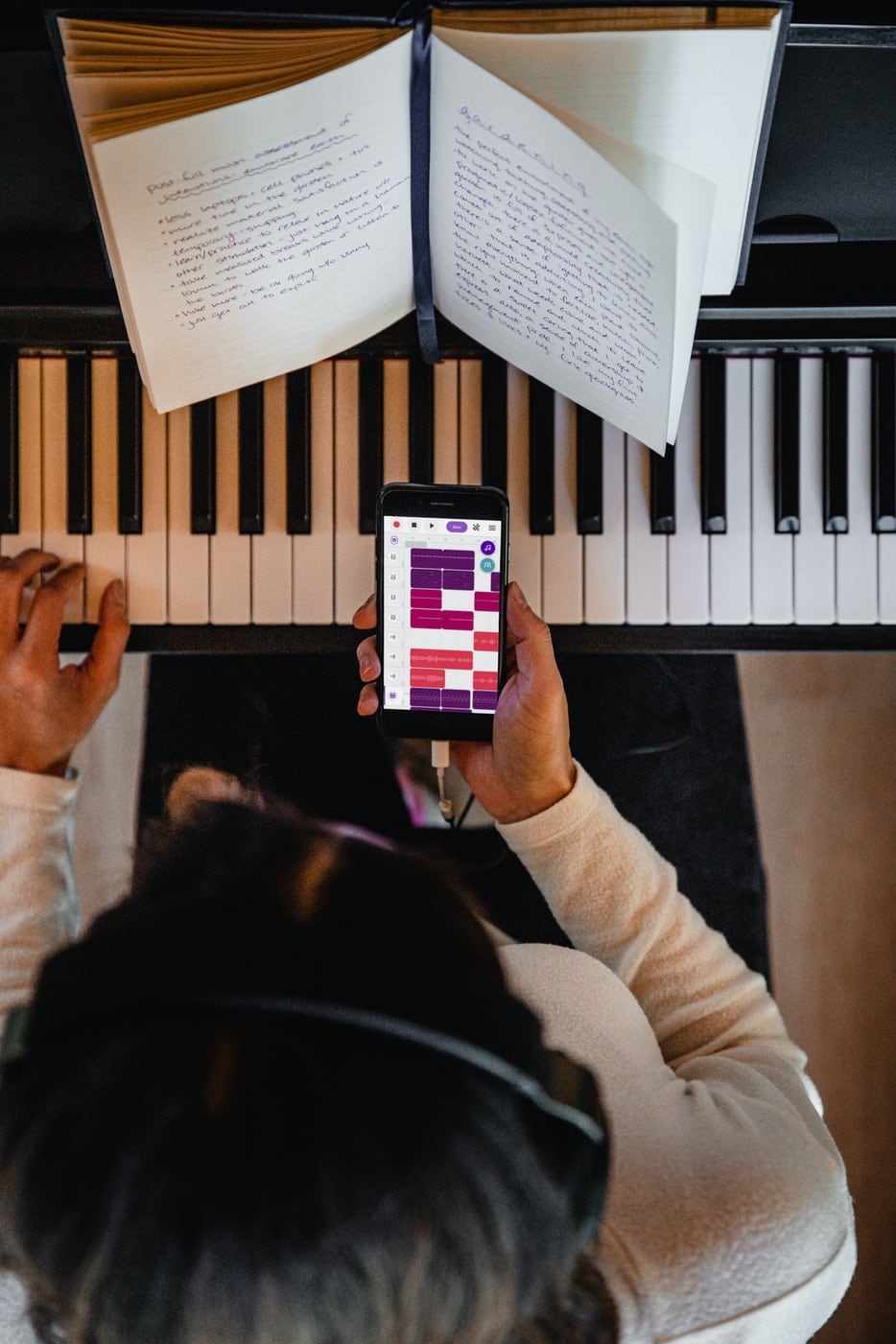
Looking for a little help learning piano or making practice more enjoyable? Your phone or tablet can be a useful companion at the keyboard.
Some piano apps guide you through lessons and songs. Others help you read music, develop your ear, or access features on your digital piano through a convenient touchscreen interface.
Here are seven worth exploring, with a quick comparison to help you find a good fit.
| App | A good choice for | What it helps you do |
|---|---|---|
| Skoove | Players who want interactive lessons | Follow guided lessons and get feedback on your playing |
| Pianote | Players who prefer teacher-led instruction | Learn through video lessons, demonstrations, and songs |
| Simply Piano | Beginners who want a structured starting point | Build skills through step-by-step courses |
| Roland Piano App | Owners of compatible Roland digital pianos | Control piano settings and explore practice features |
| CASIO MUSIC SPACE | Owners of compatible Casio instruments | Access instrument controls, scores, and practice tools |
| Complete Music Reading Trainer | Players working on reading notes | Practice recognizing notes on the staff |
| Perfect Ear | Players developing listening and rhythm skills | Practice intervals, chords, rhythms, and music theory |
1. Skoove: Interactive Piano Lessons With Feedback
Skoove combines guided piano lessons with feedback on your playing. The platform listens as you practice, helping you work through musical concepts and apply them at the keyboard.
It’s worth considering if you sit down to practice and aren’t sure where to begin. Following a lesson gives your play some direction, with something specific to work toward.
Three Months of Skoove With a Qualifying New Roland Piano
Through Roland’s partnership with Skoove, purchasers of qualifying new Roland home pianos can receive three months of free online piano lessons.
As a Roland dealer, we can help you explore instruments and help you redeem the offer. It’s a useful opportunity to start learning while getting acquainted with your new piano.
Check the current eligibility and subscription terms when redeeming the offer.


View Roland’s Free Lesson Offer
2. Pianote: Teacher-Led Lessons at Your Own Pace
If you like watching someone demonstrate a musical idea and explain how it works, Pianote is worth exploring.
Pianote is an online lesson platform with teacher-led videos and a song library. Its mobile app lets members bring those lessons to the piano on a phone or tablet.
You can watch a demonstration, pause to try it yourself, and revisit the explanation as needed. That makes it an appealing option for players who enjoy learning through instruction they can see and hear.
Pianote requires a membership for its paid lesson content. Review the current options to see what’s included.
3. Simply Piano: A Guided Starting Point for Beginners
Simply Piano introduces playing through guided courses and songs, giving beginners a structured path to follow.
It’s a good option to explore if you enjoy small, clear practice goals. Rather than deciding what to learn next on your own, you can work through the app’s progression.
Most courses are designed for use with a piano or keyboard, although introductory touchscreen activities are also available. Free introductory content lets you get a feel for the experience, while broader access requires a subscription.
For parents, trying the introductory material with your child is a useful first step. Look for an experience they can follow comfortably and feel encouraged to return to.
4. Roland Piano App: Discover More of What Your Piano Can Do
If you own a compatible Roland digital piano, the Roland Piano App can make its sounds, settings and practice features easier to explore.
The app connects to supported instruments through Bluetooth and turns your phone or tablet into a visual control panel. Depending on your piano model, available functions can include:
- Selecting piano and other instrument sounds.
- Adjusting settings such as transpose, keyboard touch, and ambience.
- Using metronome and recording tools.
- Exploring onboard songs and supported musical scores.
- Practicing with note-reading and ear-training activities.
Being able to see these options on a screen can make a difference, especially if you’ve mostly used your piano’s default sound and settings.
Check compatibility with your exact model before downloading. Features vary by instrument, and some additional content requires a paid Roland Cloud membership.
5. CASIO MUSIC SPACE: Instrument Controls and Practice Tools in One Place
CASIO MUSIC SPACE brings together tools for controlling a compatible Casio instrument, practicing music, and playing along.
Depending on your instrument and connection, features can include:
- Piano Remote Controller: Browse supported sounds and adjust instrument settings from your device.
- Piano Roll: Follow a visual display of notes while practicing.
- Score Viewer: View supported musical scores, with pedal page-turning available in compatible setups.
- Music Player: Play along with music.
- Live Concert Simulator: Explore simulated performance environments.
If you’ve wondered what some of your Casio piano’s settings do, the remote controller is a useful place to start. A visual interface can make those options easier to navigate.
Check Your Connection Requirements
Wireless connectivity depends on your model. Some supported setups use Casio’s WU-BT10 Wireless MIDI & Audio Adapter often included with the piano, while others connect by cable.
Before purchasing an adapter, check the requirements for your specific instrument and phone or tablet. Available features also vary by setup.
6. Complete Music Reading Trainer: Get More Comfortable Reading Notes
If you find yourself stopping to identify each note, focused reading exercises can be a helpful addition to your play.
Complete Music Reading Trainer uses progressive, game-style exercises to build familiarity with musical notation. For piano players, practicing both treble and bass clefs is especially useful.
Short sessions give you a chance to work on note recognition without also managing every other part of playing a piece.
Use it alongside your time at the piano. Reading music involves bringing notes, rhythm, and physical movement together, so the next step is applying what you recognize to the keyboard.
Check the current download and purchase options for your device.
7. Perfect Ear: Practice Listening, Rhythm, and Theory
Learning piano also means learning to hear musical relationships.
Perfect Ear provides exercises covering intervals, chords, scales, rhythm, and music theory. It gives you a way to work on those skills even when you’re away from your instrument.
It’s worth exploring if you want to become more aware of what you hear in music or give rhythm and listening a little more attention in your practice routine.
Start with exercises that match your experience and build gradually. A few focused minutes are a manageable way to make these skills part of your week.
Check the current app listing for available features and in-app purchases.
Common Questions About Piano Apps
Can I Use These Apps With an Acoustic Piano?
Several of them, yes. Video lessons, music-reading exercises, and ear-training activities can support acoustic piano players. Some interactive lesson apps can also listen to your playing through your device’s microphone.
Roland Piano App and CASIO MUSIC SPACE are different: their instrument-control features require a compatible digital piano or keyboard.
Does My Piano Need Bluetooth?
Not for every app. Video lessons and many practice exercises don’t require a connection to your instrument. Other apps may use your device’s microphone or a wired connection.
For connected features, check your piano’s specifications carefully. Bluetooth audio and Bluetooth MIDI do different jobs: audio carries sound, while MIDI communicates information such as which notes you play. Support for one doesn’t automatically mean support for the other.
Can a Piano App Replace Lessons With a Teacher?
Apps can help you get started, follow a practice plan, and reinforce musical concepts. A teacher can also observe your posture and technique, then tailor instruction to your needs.
They can work well together. If you already take lessons, ask your teacher which app would support what you’re learning.
Are Piano Apps Free?
Some offer free introductory lessons or exercises. Others require a subscription or purchase for broader access, and companion apps may offer additional paid content.
Review current pricing and renewal terms before signing up. A free download doesn’t always include everything shown in the app!
Find a Piano That Helps You Keep Playing
The right app can give you direction, but having an instrument you enjoy playing matters, too.
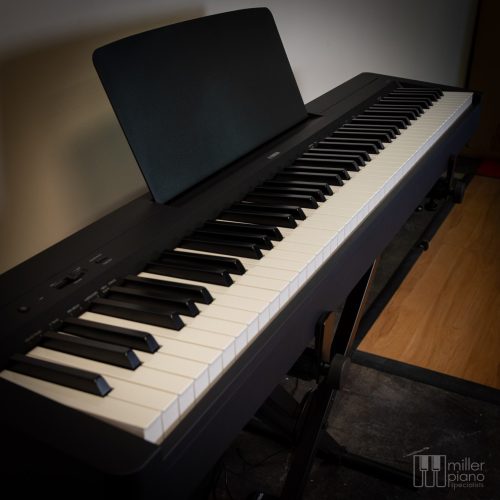
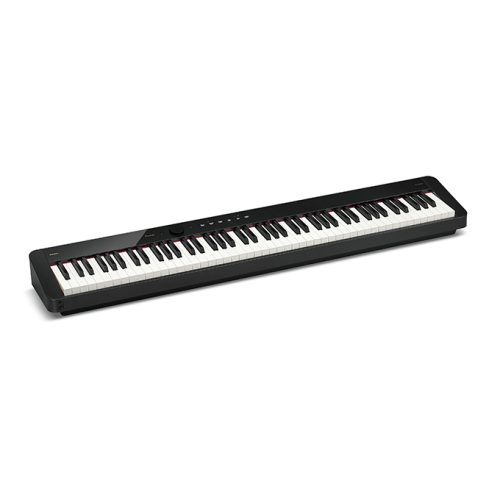
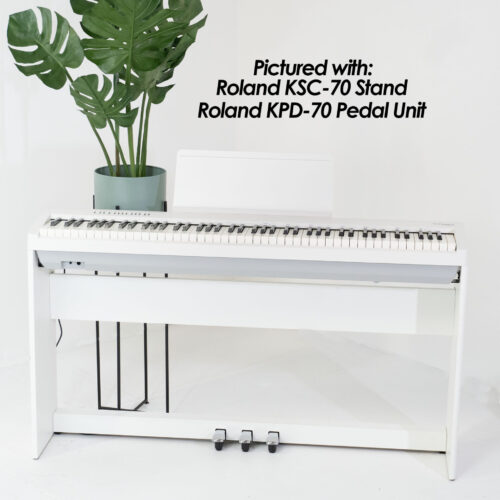
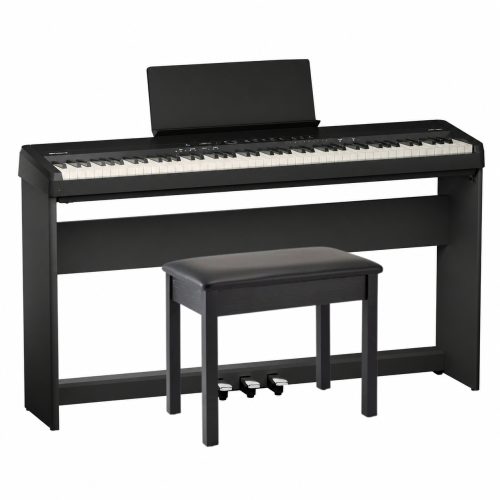
At Miller Piano Specialists, we carry the full lines of Roland and Casio digital pianos, along with other brands. Our Nashville team can help you compare keyboard feel, sound, headphone options, and app compatibility so you can choose an instrument that fits your space and musical goals.
Shop Digital PianosAlready own a digital piano and have a compatibility question? Have your model number handy when you reach out. Our team brings decades of experience with digital pianos from Yamaha, Kawai, Roland, Casio, and other brands, and we’re happy to help point you toward the right app or connection information.
Visit our showroom at 3656 Trousdale Drive, Suite 111, Nashville, TN 37204, or call or text (615) 771-0020.
Come explore, ask questions, and play a few pianos. We’re happy to help, and we’re no-pressure.